
Hello everyone, I hope you are enjoying your May. Ive been having lots of fun creating more cats for you, to inspire you to enter this months challenge at Country View Crafts. Have you see their new fresh and contemporary website, it looks fabulous and its so easy to find all your crafty goodies.
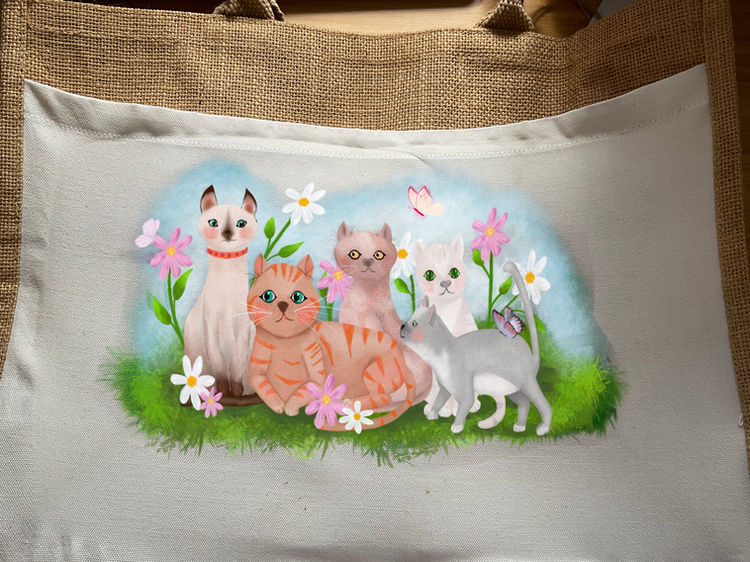
Okay so I have a sublimation project for you this week using an image I created especially for this project which I sublimated onto a shopping bag.
Ill come to that in a bit but first here’s how I created these simple cats in Procreate, well one of them. They were all created in the same way, just with different shapes and colours.
So once I created all the images and added some foliage and butterflies I was ready to proceed.
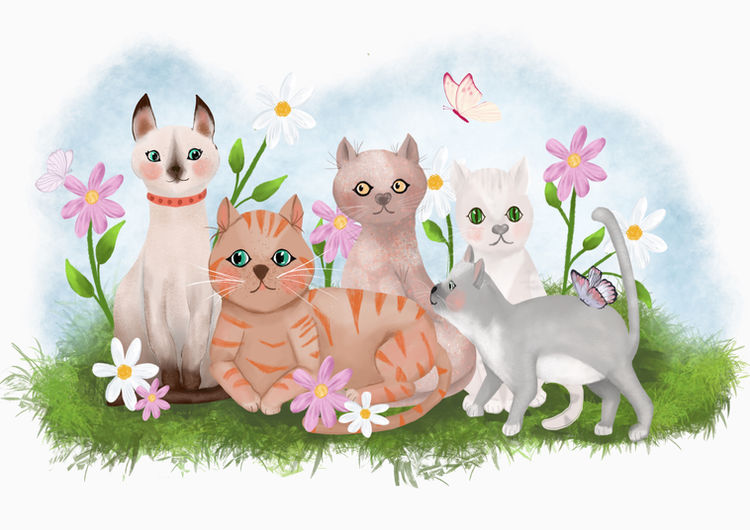
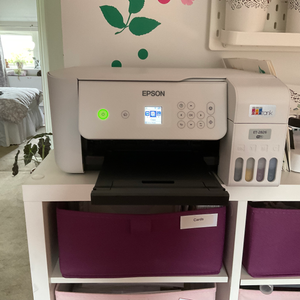
I was now ready to print the image on my sublimation printer
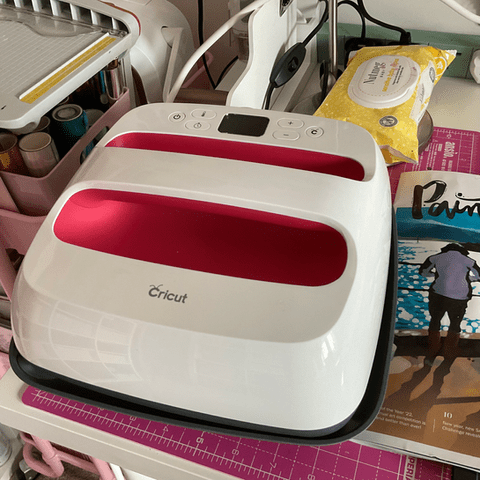
Once that was done I was ready to add it to my bag, so I got ready. I switched On the heat press, got the heat mat ready and butcher paper and I was all set. You can see below, that I tore Round the image, that is because on some products if you leave the white background it leaves a ghost of it on your substrate, so not taking a chance I thought it was best to do it anyway . Using heat resistant tape I secured The design down. Making sure my mat and heat press was protected by using the butcher paper. I set the machine to the required temperature and time and started the first press. The machine I have is 9×9 so didnt quite fit the image so I had to do it 2 parts.
Once it had cooled down I was ready to peel away the design and see how it had turned out
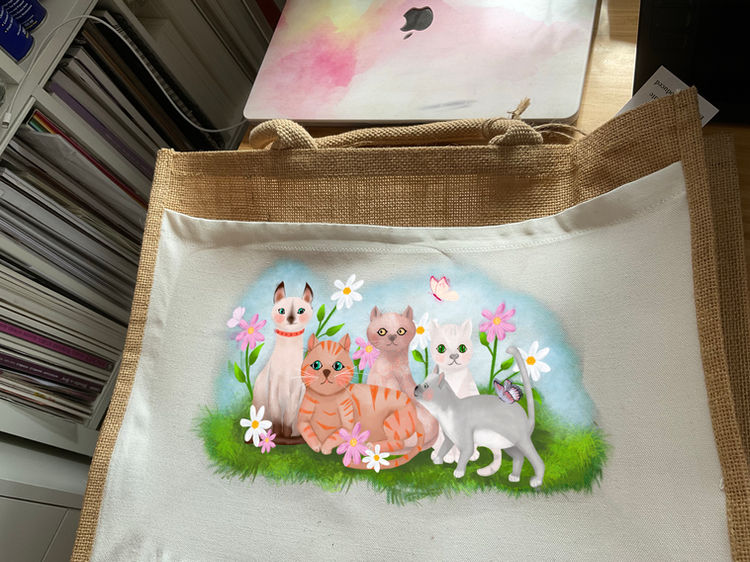
I was very pleased with the result, even though it was quite central (despite me measuring it ) but I think I might add some flowers around it and maybe even add some words.
Well there you have it. I love this way of working and seeing your own designs on things you can use like this bag, which proudly went on a spa day a couple of weeks ago and will go shopping with me every week.
Anyway I hope you have enjoyed this post and would love to read your thoughts
take care hugs Debs xxxx
 Illustration Design Craft